6 Ways to Make Your Old Smartphone Feel New Again
So your phone’s getting a little sluggish. Apps take forever to load, the battery dies faster than your morning coffee, and that once-smooth screen feels tired.
Before you rush to spend hundreds on a new phone, here’s the good news — you can breathe new life into your old smartphone with a few simple tweaks.
Whether you’re using an older Android or iPhone, these 6 easy tricks can make your phone feel faster, fresher, and almost brand new again.
Give It a Fresh Start: Delete What You Don’t Need
Think of your phone like a closet over time, it fills up with stuff you don’t use. Apps, photos, downloads, and system junk all take up space and slow things down.
Start by:
- Deleting unused apps and games.
- Clearing old downloads and screenshots.
- Moving photos and videos to Google Photos or iCloud.
- Emptying your trash or recently deleted folder.
You’ll be amazed how much faster your phone feels once it’s clutter-free.
Replace the Battery (If Possible)
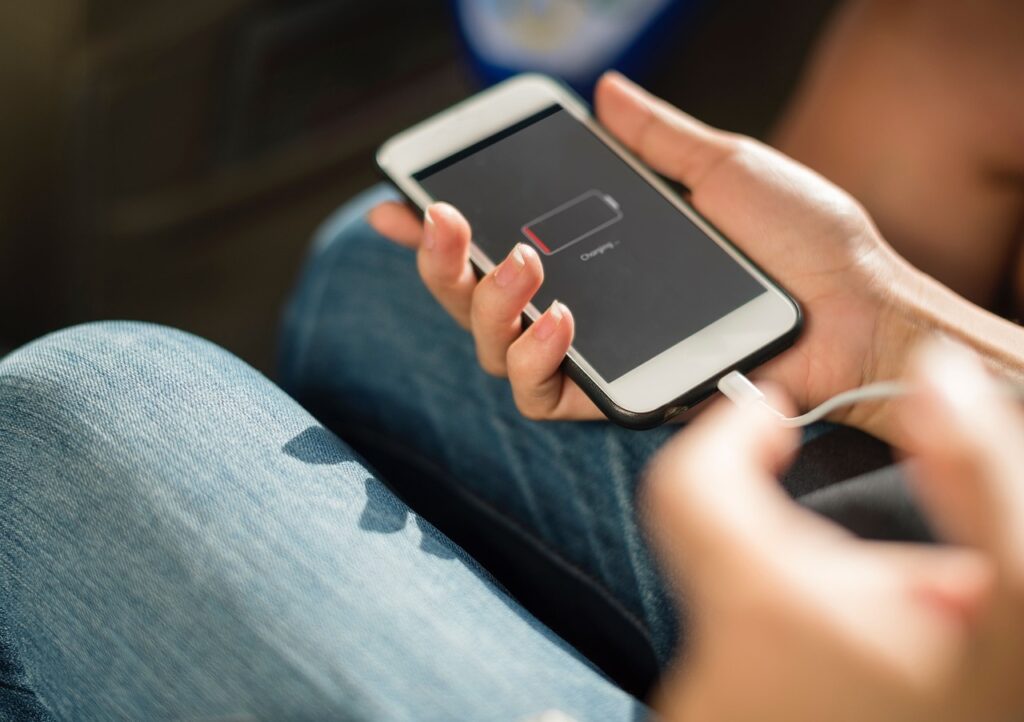
Batteries naturally degrade over time — especially after 2–3 years. If your phone dies quickly or can’t hold a charge, it’s probably not the phone’s fault; it’s the battery.
Many Android phones and older iPhones let you replace the battery cheaply (either at a repair shop or through official service centers).
You’ll instantly notice:
- Longer battery life
- Less overheating
- Better performance
It’s one of the easiest ways to make your phone feel brand new without breaking the bank.
Clear Cache and Temporary Files
Apps store temporary data (called cache) to load faster, but over time, it piles up and slows your phone down.
On Android:
- Go to Settings → Storage → Cached data → Clear cache.
On iPhone:
- Open Settings → Safari → Clear History and Website Data, and delete old app data where possible.
Clearing cache doesn’t delete important stuff it just gets rid of digital junk that’s weighing your phone down.
Change the Look: New Launcher or Theme
Sometimes, a visual refresh is all it takes to make your phone feel new.
On Android, try a custom launcher like:
Smart Launcher
Nova Launcher
Niagara Launcher

They give you a clean, modern interface, new gestures, and customization options that make your phone feel brand new.
On iPhone, you can:
Try widgets for a modern home screen feel
Change wallpaper and app icons
Use Focus Modes to create fresh layouts
Update Your Software
If you’ve been ignoring software updates (you’re not alone!), now’s the time to install them.
System updates often fix bugs, improve performance, and enhance battery life.
Check for updates here:
- Android: Settings → System → Software Update
- iPhone: Settings → General → Software Update
Even a minor update can make your old phone run smoother and feel more secure.
Physically Clean Your Phone
This might sound silly, but cleaning your phone can genuinely make it feel new.
Over time, dust and grime build up in speaker grills, ports, and cases. Use:
- A soft microfiber cloth for the screen
- A toothpick or compressed air for ports
- A gentle wipe for the camera lens
You’ll not only improve how it looks your sound, camera, and charging speed might actually improve too!