How to Haunt Your House Using Smart Speakers
If you’ve got a Google Nest, Amazon Echo, or another smart speaker at home, you already have the perfect Halloween prank tool sitting right on your shelf. Forget fake cobwebs and plastic skeletons — with a little creativity, you can use your smart speakers to haunt your house and give your friends or family a spooky surprise they won’t forget.
The Idea Behind a “Haunted Smart Home”
Smart speakers can do much more than play music or answer questions they can control lights, play sounds, and respond to voice commands. This makes them the ultimate tool for creating creepy, ghost-like effects around your home.
Imagine lights flickering while an eerie whisper says your name. Or footsteps echoing through the living room while you’re sitting in the dark. With just a bit of setup, your smart home can feel straight out of a horror movie.
Step 1: Find the Perfect Spooky Sounds
The easiest way to start is by adding scary sound effects. Both Alexa and Google Assistant can play Halloween-themed audio if you know what to ask.
You can simply say:
- “Alexa, play spooky sounds.”
- “Hey Google, play haunted house noises.”
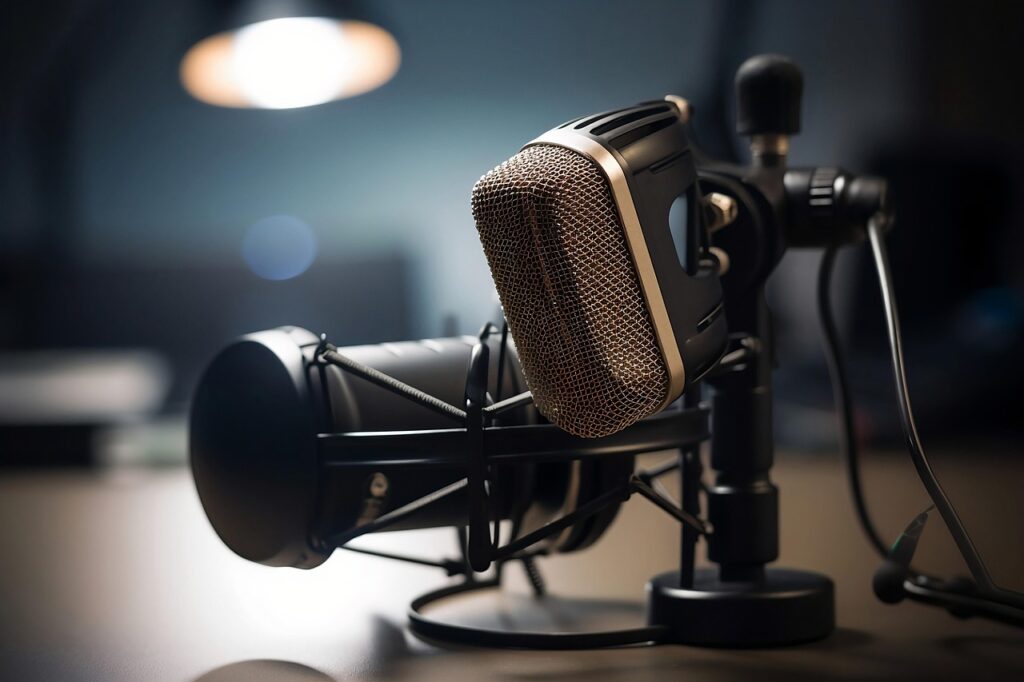
You can also search for Halloween playlists or ambient horror soundtracks on Spotify or Amazon Music and link them to your smart speaker. Continuous loops of thunder, howling winds, creaky doors, or ghostly whispers set the perfect mood.
If you want more control, try downloading your own sound files (like chains rattling or footsteps) and play them using Bluetooth from your phone.
Step 2: Sync Scary Sounds with Smart Lights
What’s a haunted house without flickering lights? If you have smart bulbs like Philips Hue, Kasa, or Govee, you can pair them with your smart speaker to create chilling lighting effects.
Using the Alexa or Google Home app, you can:
- Set your lights to dim when certain sounds play.
- Make them flash red or orange at random intervals.
- Create routines that sync creepy sounds and lighting together.
For example, set a routine where Alexa says, “They’re here” and your lights suddenly turn blood-red while thunder booms in the background. It’s guaranteed to get a reaction!
Step 3: Use Smart Home Routines for Maximum Scare
The secret to pulling off a believable haunting is timing. Smart routines let you automate actions to happen at specific times or triggers.
Here are a few ideas:
- Schedule your speaker to play ghostly whispers at midnight.
- Make it say random eerie phrases like “Did you hear that?” when someone walks into a room.
- If you have motion sensors, set your Echo or Nest to trigger a scream when it detects movement.
You can even connect your smart devices through IFTTT (If This Then That) for more advanced automation, like turning off the lights when a door opens or playing footsteps when your security camera spots someone.
Step 4: Add Smart Displays for Visual Scares
If you own a smart display like the Echo Show or Google Nest Hub, you can take things to another level. These devices can display creepy images or short looping videos while playing haunting sounds.
Try setting a routine that:
- Displays a ghostly face or flickering static image.
- Plays a video of a dark hallway.
- Shows glowing red eyes when someone says “boo.”
You can even use them to fake paranormal activity imagine your Echo Show suddenly lighting up and whispering, “I see you.”
Step 5: Go Multi-Room for the Full Haunted House Effect
If you have multiple smart speakers in your home, you can group them together for synchronized sound.
In the Alexa or Google Home app, create a “Haunted House” group and play your spooky playlist across all speakers. That way, the eerie atmosphere follows guests from room to room.
Walking through your house while ghostly moans echo from every direction? Absolutely terrifying and totally worth it.
Step 6: Sneak in Some Personalization
Want to make it even scarier? Customize your haunted routine so your smart speaker calls people by name or uses personal phrases.
For example:
- “Hello, Sarah you left the lights on again.”
- “Mark, someone’s standing behind you.”
With text-to-speech tools or Alexa’s “Custom Routine” feature, you can create these personalized scares easily. Just don’t take it too far you still want your guests to come back next Halloween!